Getting Started
Go-Live Guide
How to get started in 3 minutes?
In this guide we will:
- Register in sandbox environment.
- Access Dev-Portal (Manage Applications / Banks) Details.
- Explore the APIs and Test.
- Go-Live in production environment.
1. Register in sandbox environment
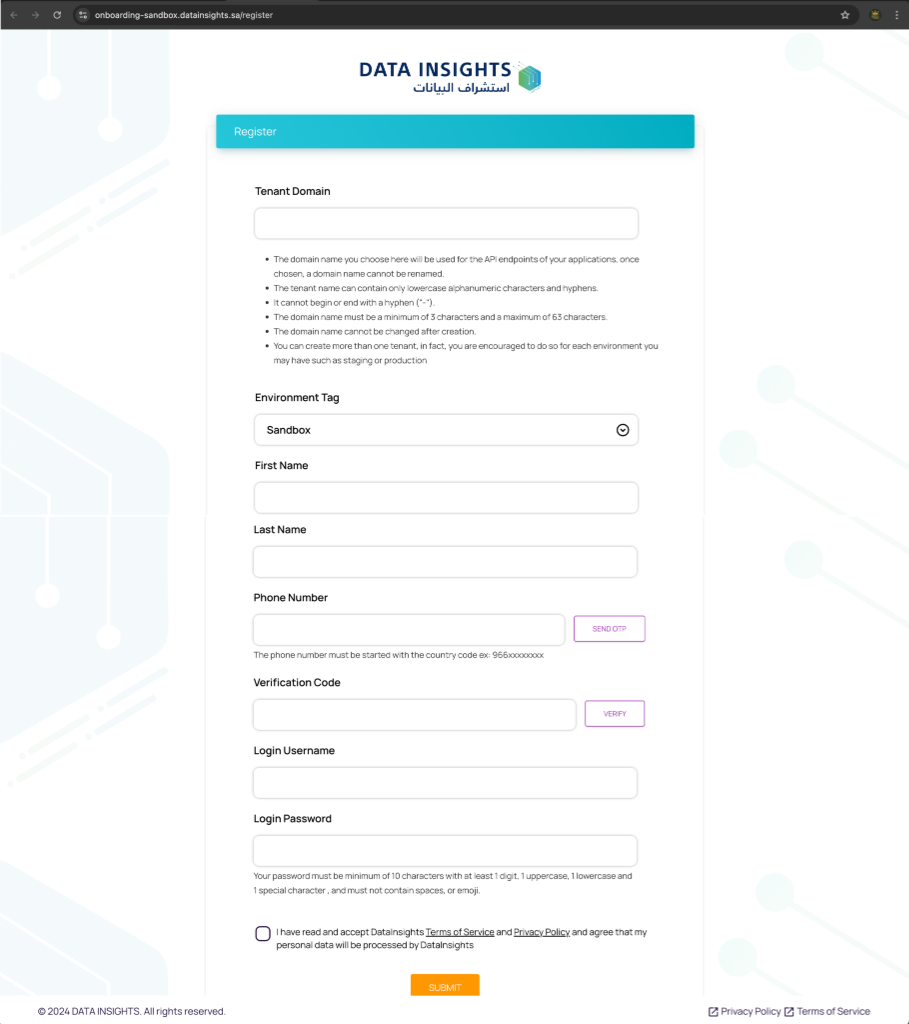
To start the onboarding process in the sandbox environment and get access to the Dev-Portal, visit our website's Signup page or use the link below:
https://onboarding-sandbox.datainsights.sa/register
Required Registration Fields:
- Tenant Domain: Your organization name (used to access the dev-portal and APIs).
- Environment Tag: Identifies your environment registration.
- First Name & Last Name: Account owner details.
- Phone Number: Must be a Saudi Arabia SIM number for OTP.
- Verification Code: OTP sent to your phone.
- Login Credentials: Username and Password for Dev-Portal access.
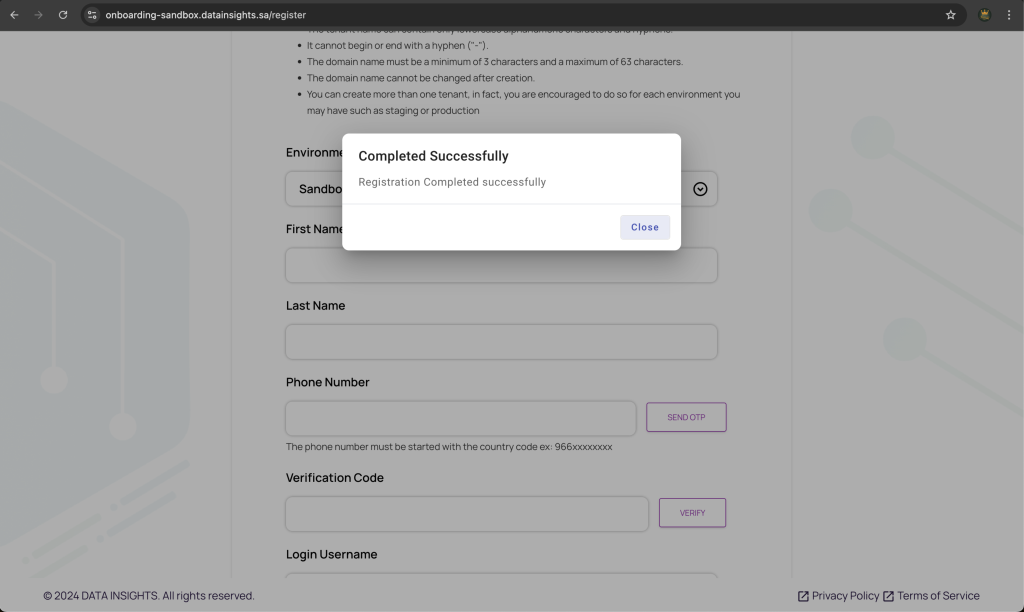
After finished filling the required information you need to accept the Terms of Service and Privacy Policy and press on the SUBMIT button to complete your registration once the registration is completed you will receive SMS message contains registration status and instructions about the created domain for your tenant and in UI will show you the registration status also like below .
2. Access Dev-Portal (Manage Applications / Financial Institutions)
Access the Dev-Portal at tenant@datainsights.sa (your specific domain is sent via SMS).
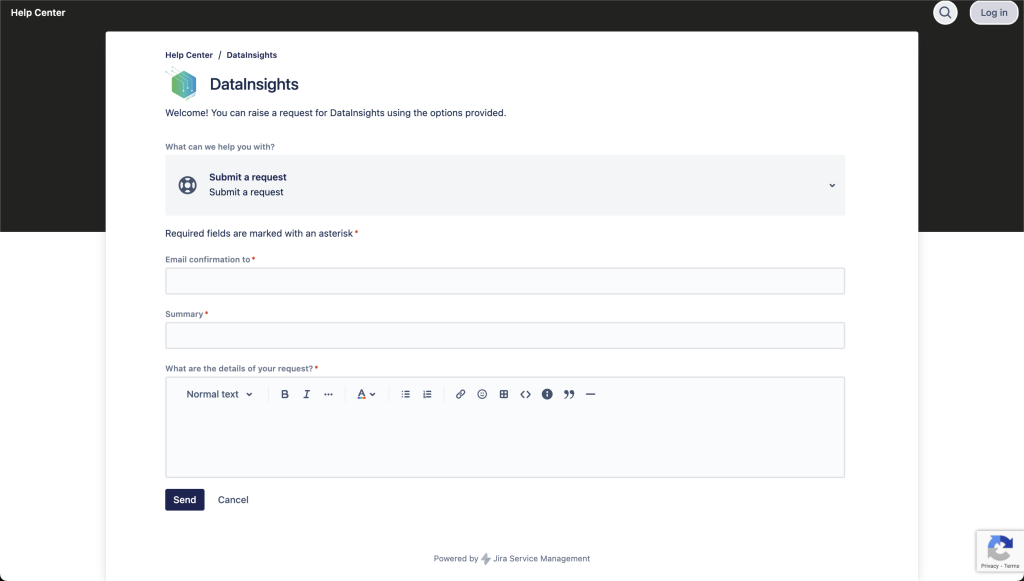
Note: After registration, please Submit a request via our Help Center to create a DNS record for your tenant domain. We will notify you once it's ready.
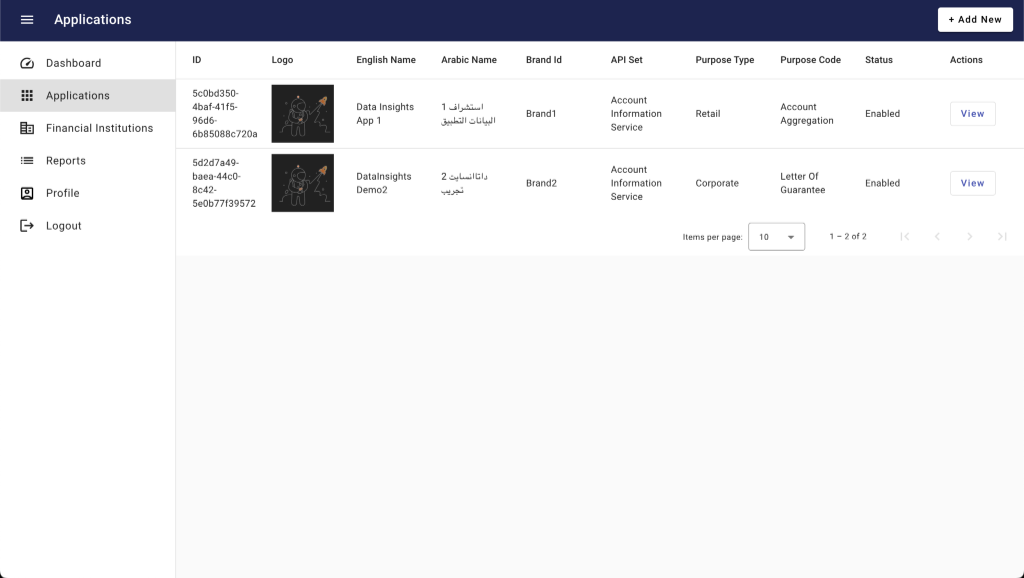
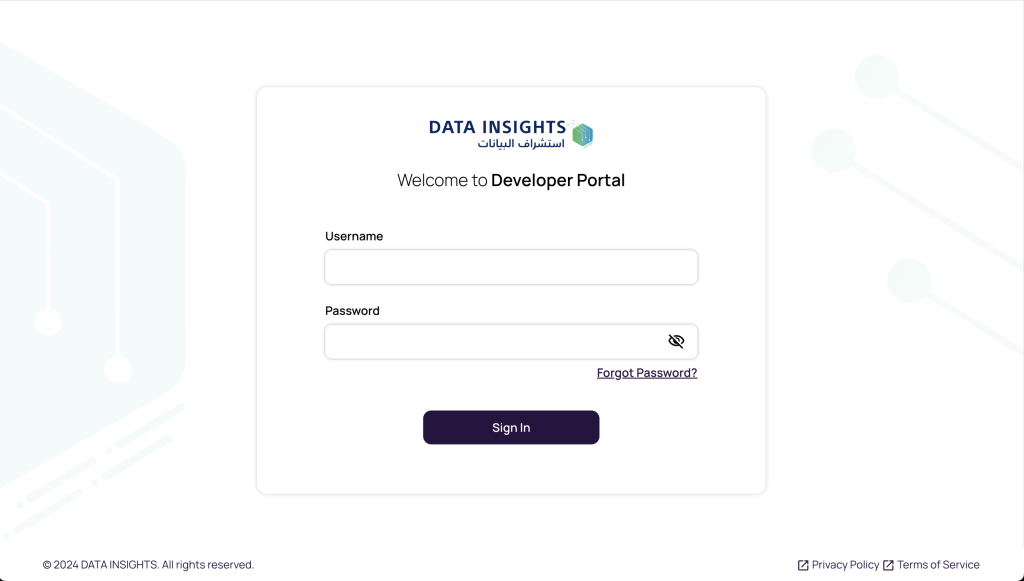
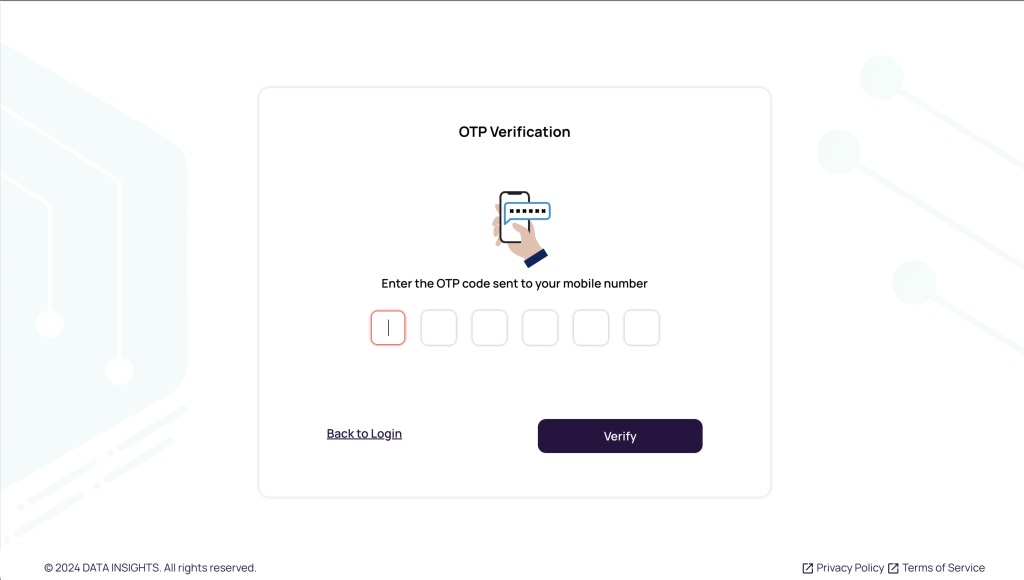
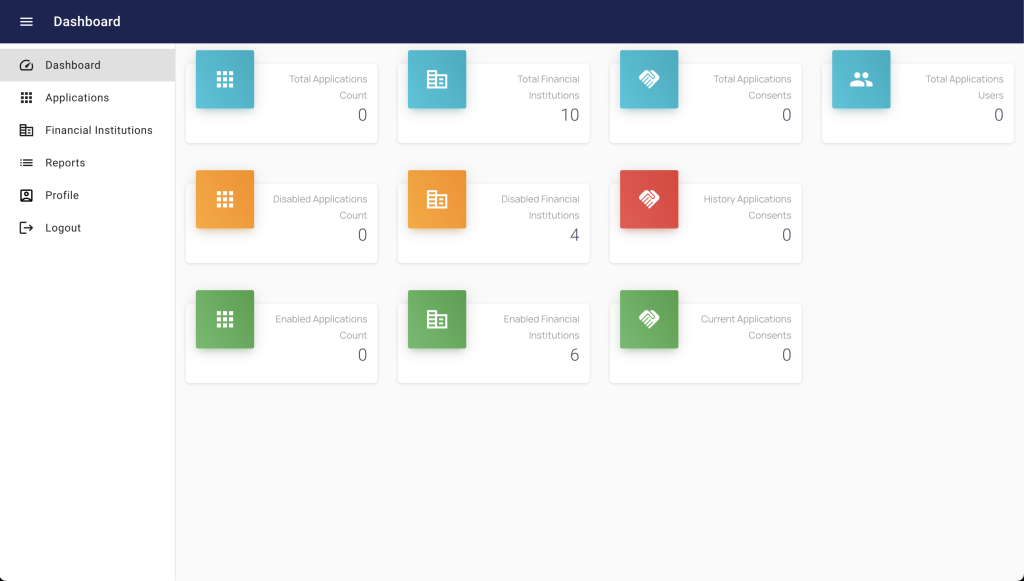
Once accessed, sign in with your credentials and verify via OTP to reach the Dashboard.
Create New Application
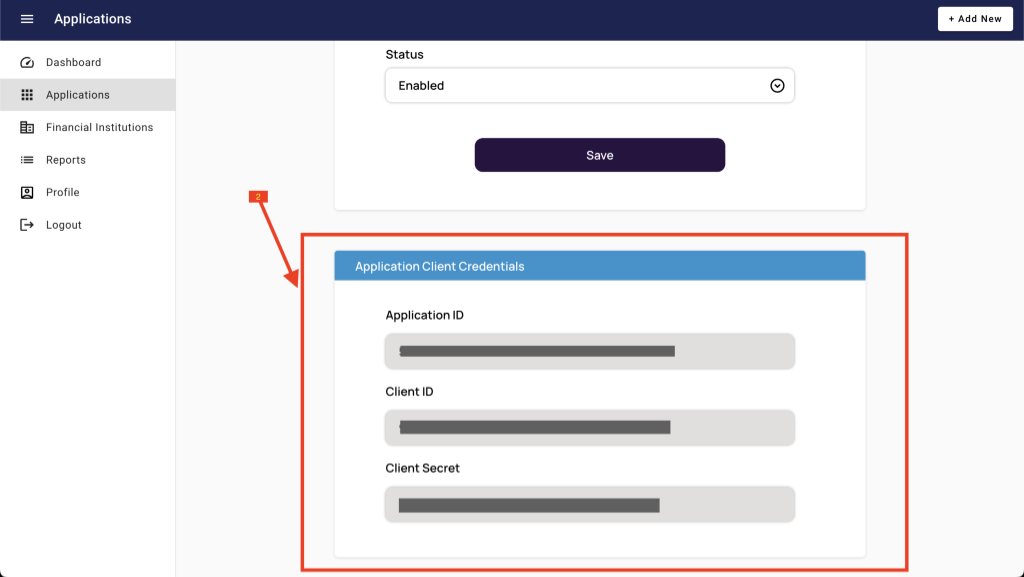
You need to create an application to get client credentials for accessing services.
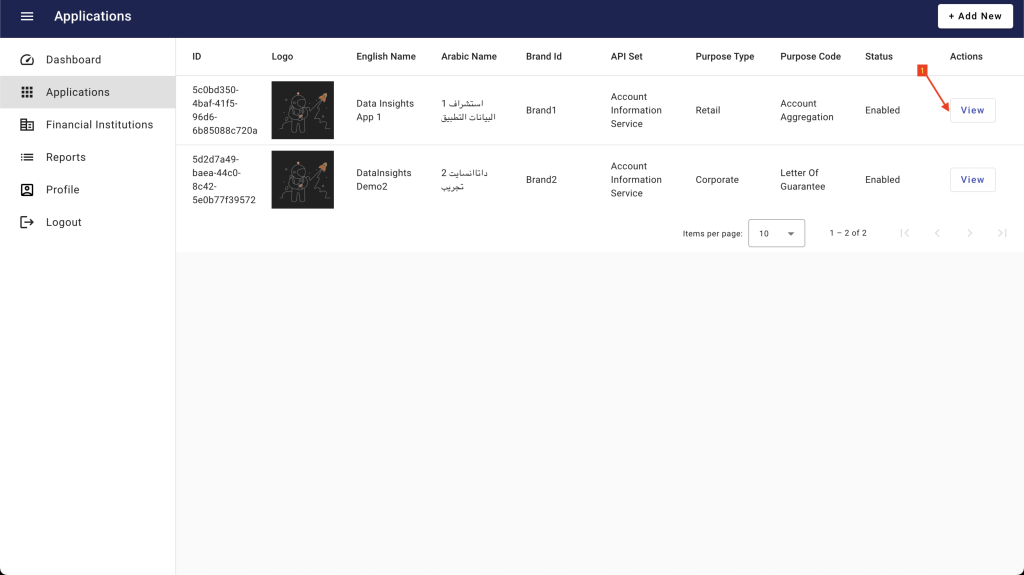
- Navigate to Applications in the left menu.
- Click + Add New in the top right corner.
- Fill in the required fields:
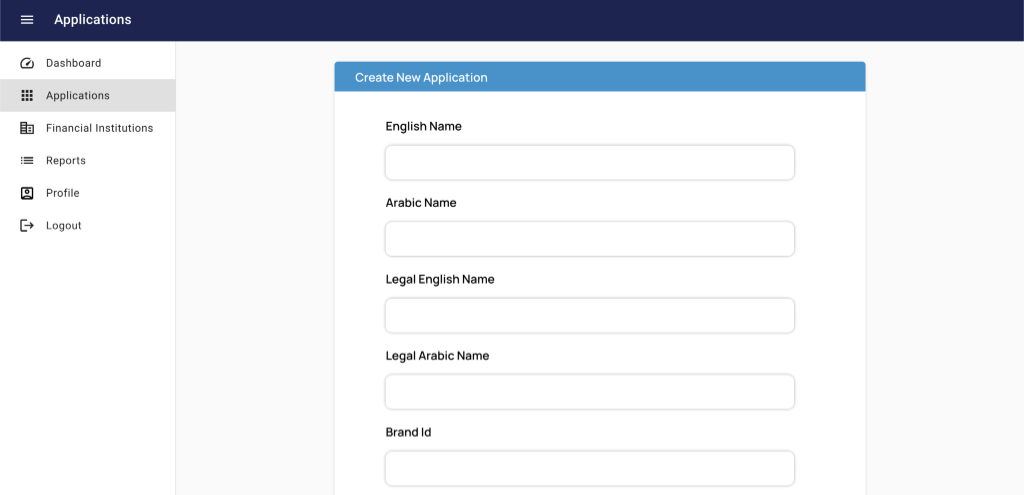
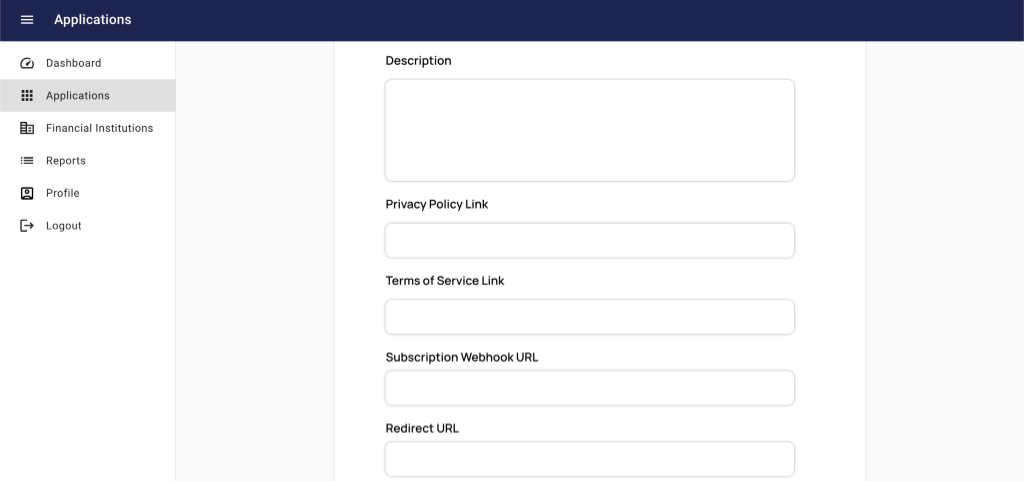
- Name (English/Arabic): Application display names.
- Legal Name: Shown in consent screens.
- Brand Id: Your registered brand ID.

- Links: Privacy Policy and Terms of Service URLs.
- URLs: Subscription Webhook and Redirect URLs.
- API Set: AIS (Account Information) or PIS (Payment Initiation - Coming Soon).
- Purpose Type & Code: Retail or Corporate targeting and specific use cases.
Once created, use the Client Credentials with our OpenBanking API Gateway.
Manage Financial Institutions
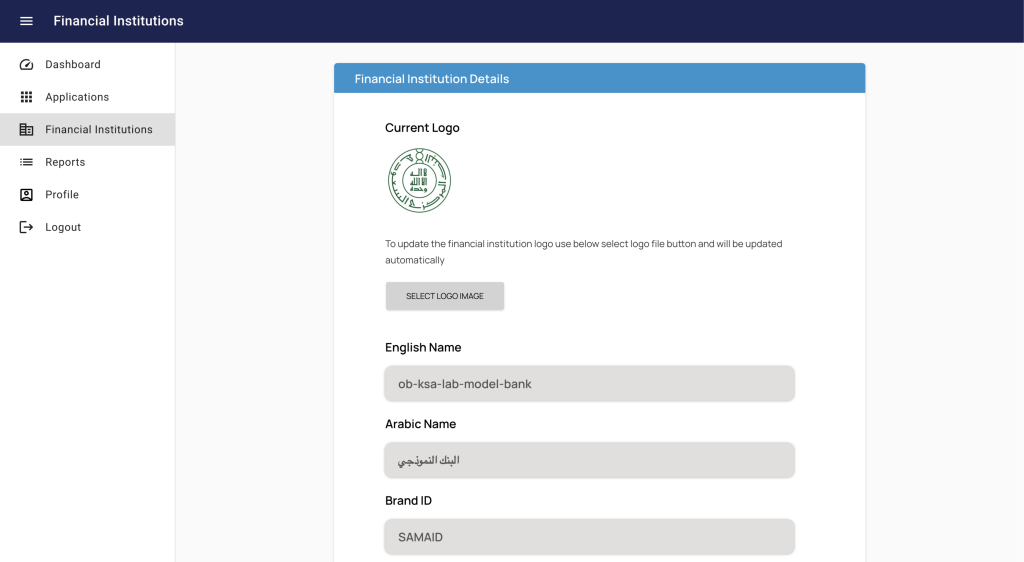
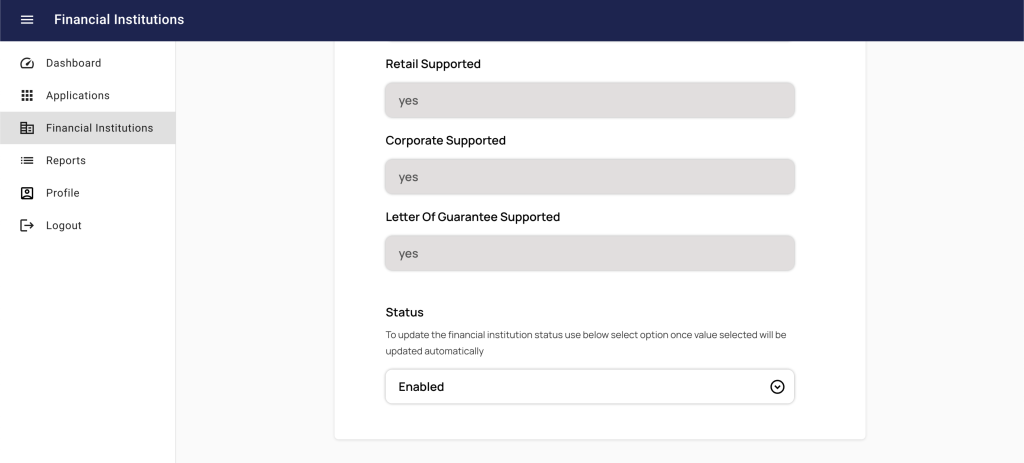
You can control which financial institutions are displayed in your application and update their logos.
- Open Financial Institutions from the left menu.
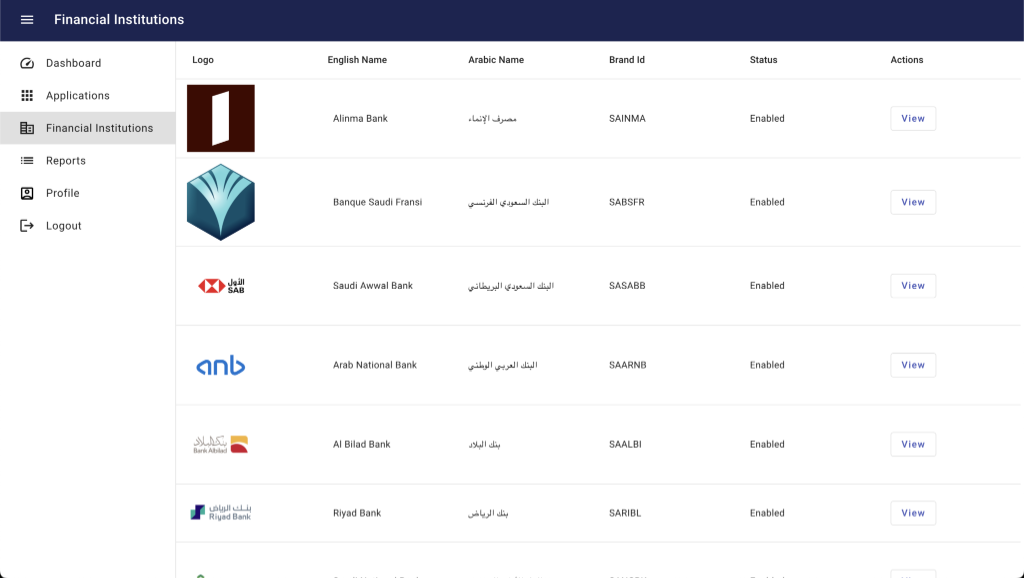
- Press **View** to see details.
- Manage status (Enable/Disable) and safe changes.
Support & Production
To move to production, submit a request via our service desk or email support@datainsights.sa.
General Inquiries: Info@datainsights.sa
Relationship Management: Relations@datainsights.sa